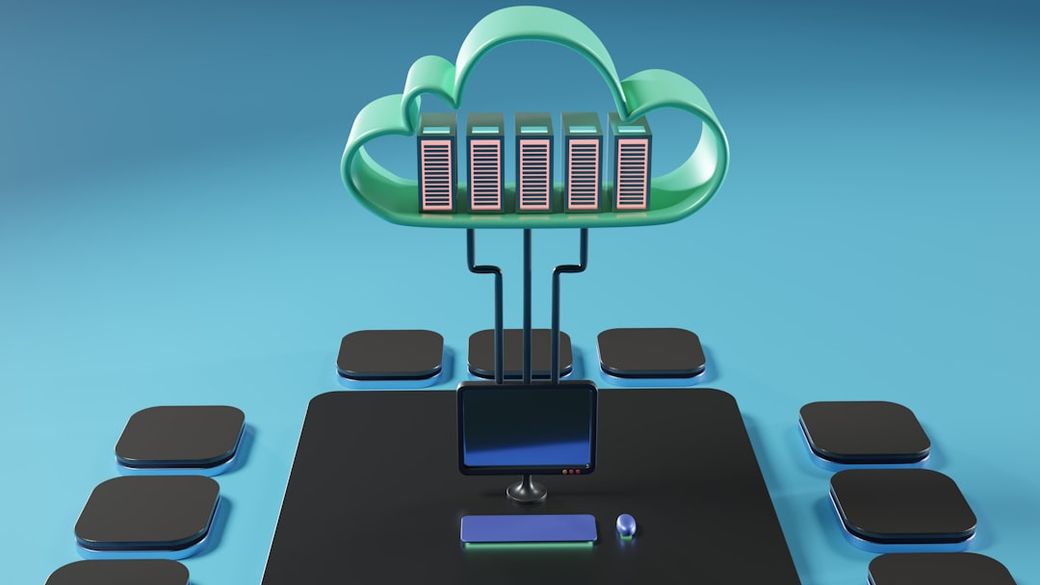
A physical server cannot be physically divided, so a hypervisor is used to simulate that division instead.
The hypervisor is a layer of software that sits between the physical hardware and everything running on top of it.
How a hypervisor works
A hypervisor creates multiple virtual machines on a single physical server.
Each virtual machine, or VM, operates as though it were an independent computer, even though all of them share the same underlying processor, memory and storage.
The cost hidden inside every VM
Every virtual machine requires its own full operating system to run.
That means a single physical server hosting ten VMs is also running ten separate copies of an entire operating system, each with its own kernel, drivers and system files.
Duplicating an operating system ten times over uses a significant amount of memory and processing power before any actual application work even begins, which the text describes as an expensive approach to resource management.
Containers take a different route
Containers are presented as an alternative technology that handles virtualisation differently to virtual machines.
Rather than packaging a full operating system with every instance, containers share a single underlying operating system kernel across all of them, while still keeping each application isolated from the others.
That difference is what makes containers considerably lighter than virtual machines, since there is no duplicated operating system weighing each one down.
Virtual machines have their place
The practical result is that a server can typically run far more containers than virtual machines using the same hardware, since containers avoid the overhead of a full operating system stack for every instance.
Virtual machines still have their place, particularly where stronger isolation between workloads is required, since each one is a genuinely separate operating system rather than a shared kernel.
Understanding that trade-off, heavier isolation against lighter efficiency, is central to why modern computing infrastructure increasingly leans on containers for the kind of large-scale, rapidly changing workloads that power much of today's software.